Settings reference
Modules dialog
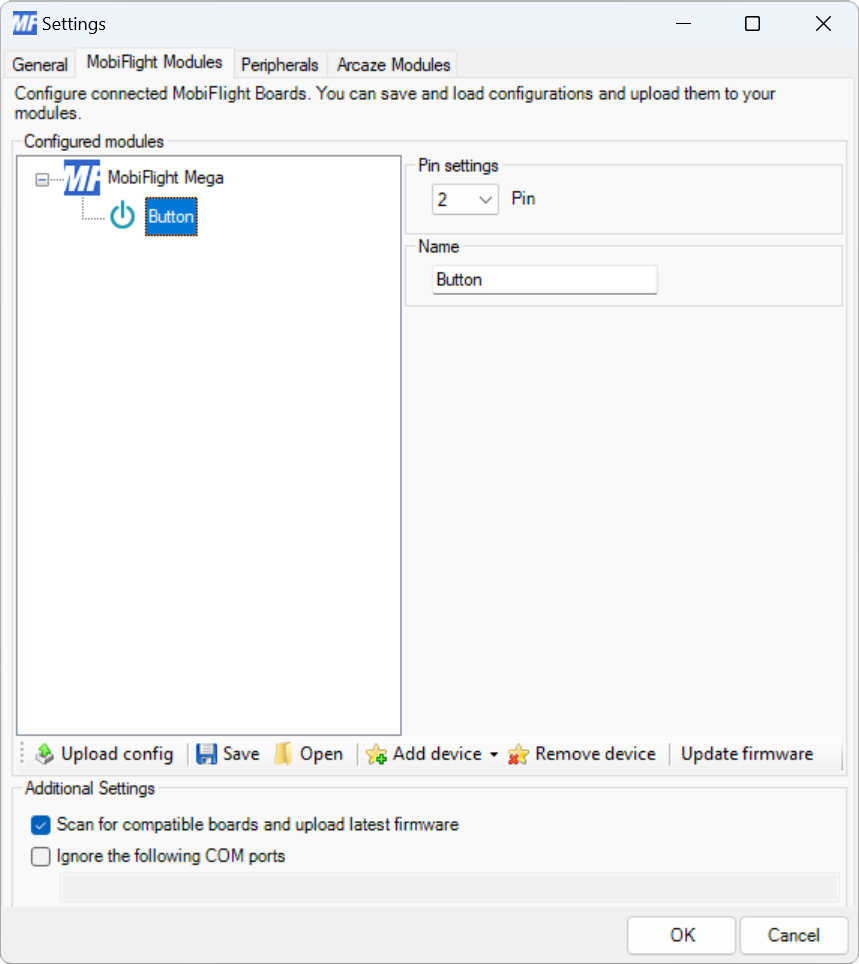
| Setting | Description |
|---|---|
| Pin | The board pin connected to the button. All digital and analog pins are supported. |
| Name | The name for the button. Displayed in the input configuration dialog to identify the button when mapping the button input to a simulator event. |
Input configuration
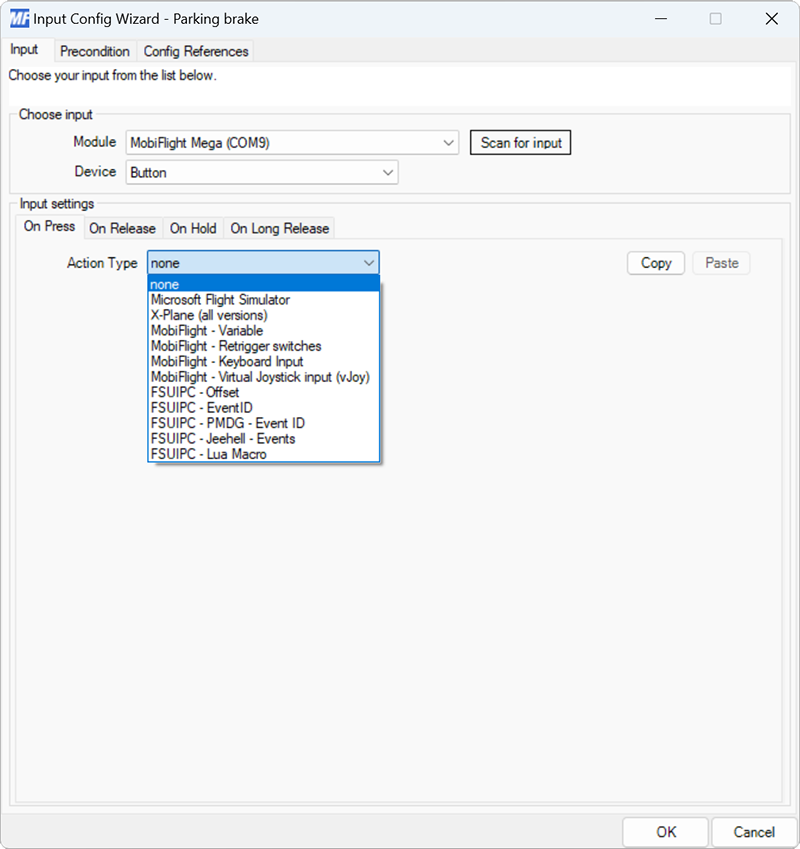
The On Press event fires immediately after the button is pressed.